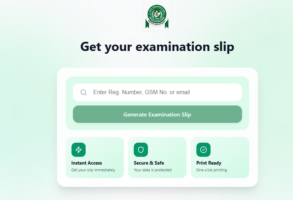
Preparing for the 2026 UTME? The Joint Admissions and Matriculation Board has released the examination notification slip—and here’s a quick guide to getting yours without stress:
1. Visit the JAMB Website
Head straight to the official portal at jamb.gov.ng to begin the process.
2. Locate the UTME Printing Tab
On the homepage, find and click on the “2026 UTME Printing” option at the top right corner.
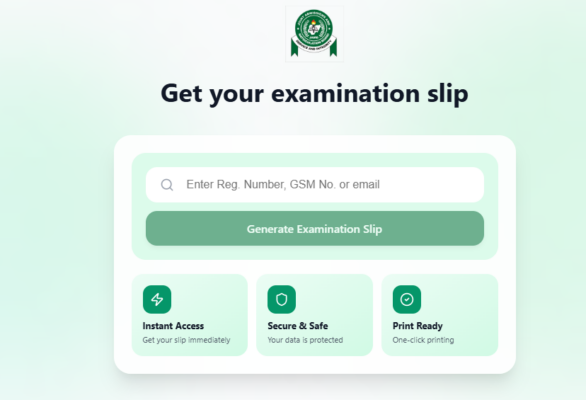
3. Enter Your Details
You’ll be taken to a new page where you can input either your:
ADVERTISEMENT
- Email address
- Mobile number
- Registration number
4. Generate Your Slip
After entering your details, the “Generate Examination Slip” button will turn green.
https://x.com/JAMBHQ/status/2042256946716192894
5. Click to Access Your Slip
Click the green button, and your examination slip will be displayed instantly.
6. Print and Keep Safe
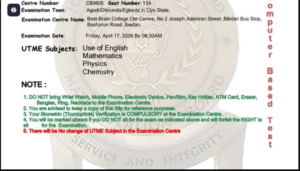
Print your slip immediately—it contains crucial details like your exam venue, subject combination, and personal information.
ADVERTISEMENT